

Multiply opens a leveraged position for you in a single transaction. You choose an asset and target leverage, and Kamino handles the borrowing, swapping, and looping behind the scenes.
Before you start
- Opening a position uses a flash loan to build the full leveraged position in one transaction. If any step fails, the whole transaction reverts.
- Leverage amplifies losses as well as gains, and every position carries variable-rate debt, so rising borrow costs can eat into or reverse your returns.
- Some correlated pairs use eMode for higher leverage, which also narrows the buffer to your liquidation threshold.
Open step by step
1
Connect your wallet
Connect your wallet to Kamino.
2
Choose a Multiply strategy
Browse the available Multiply strategies and choose the one that matches the asset and leverage you want.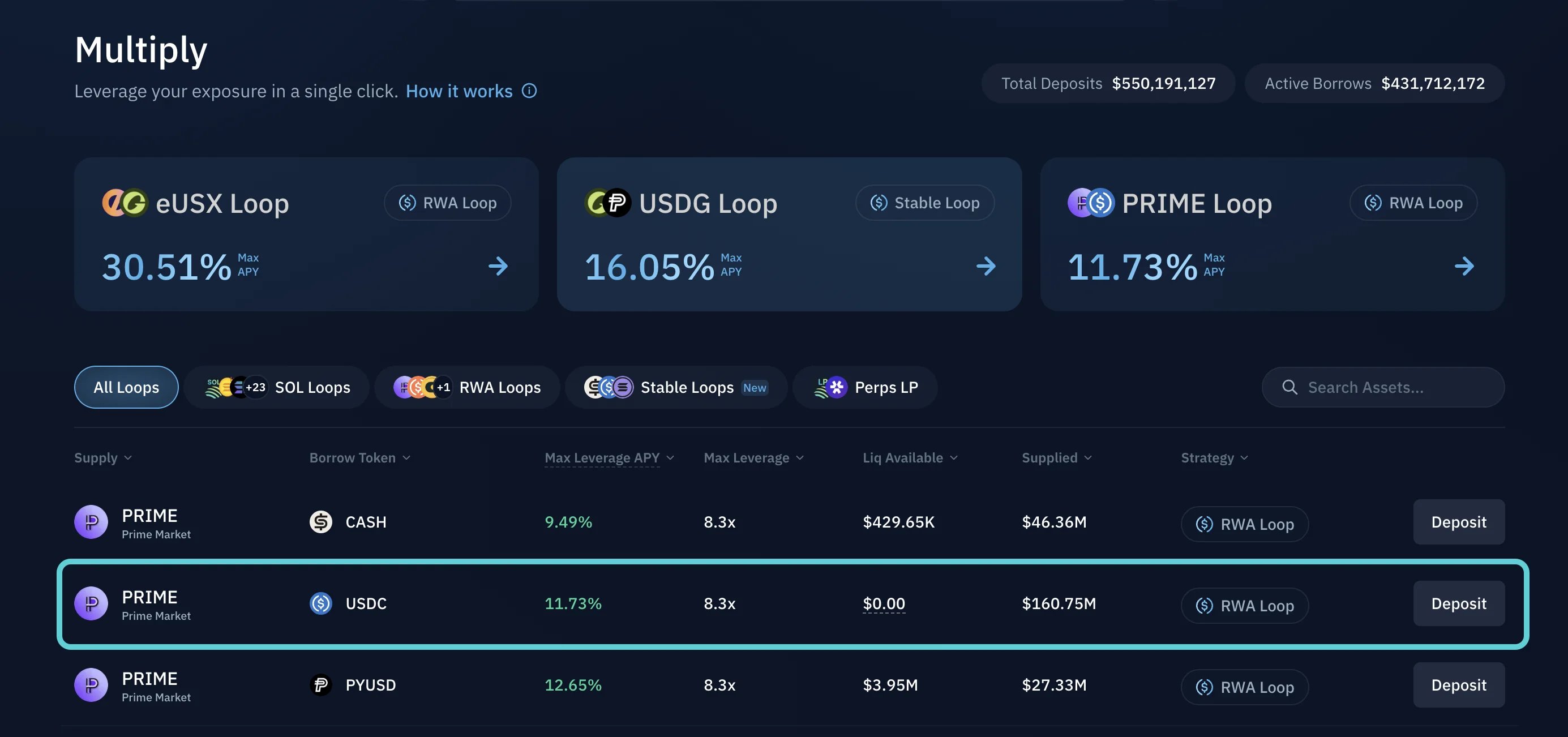
3
Review the details
Review the key details such as the asset pair, available leverage range, current APY, and strategy type.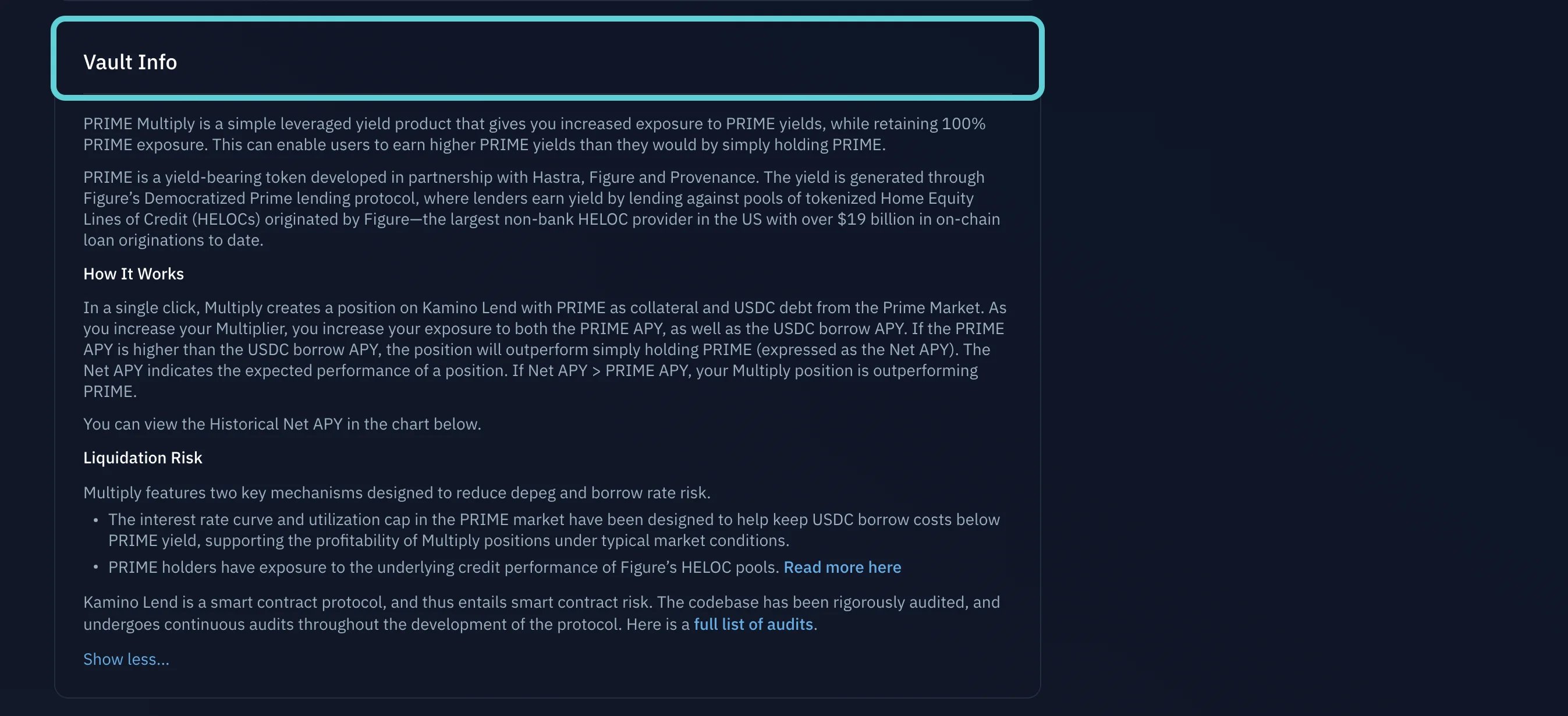
4
Deposit and set leverage
Enter your deposit amount, select your target leverage multiplier, review the swap pricing and slippage, then click Deposit and confirm the transaction in your wallet.
How to Manage a Multiply Position
Monitor performance and adjust leverage, collateral, or debt.
Tips for Avoiding Liquidation
Understand liquidation risk and how to stay clear of it.