

Once a Multiply position is open, you can track its performance and adjust or close it at any time, all in one-click transactions.
Monitor your position
Track your position in the My Position panel. Key metrics include:- Net value: the current value of your position after accounting for debt
- Net APY: your effective yield after borrow costs
- Profit/Loss: how your position has performed since opening
- LTV: your current loan-to-value ratio relative to the liquidation threshold
Adjust your position
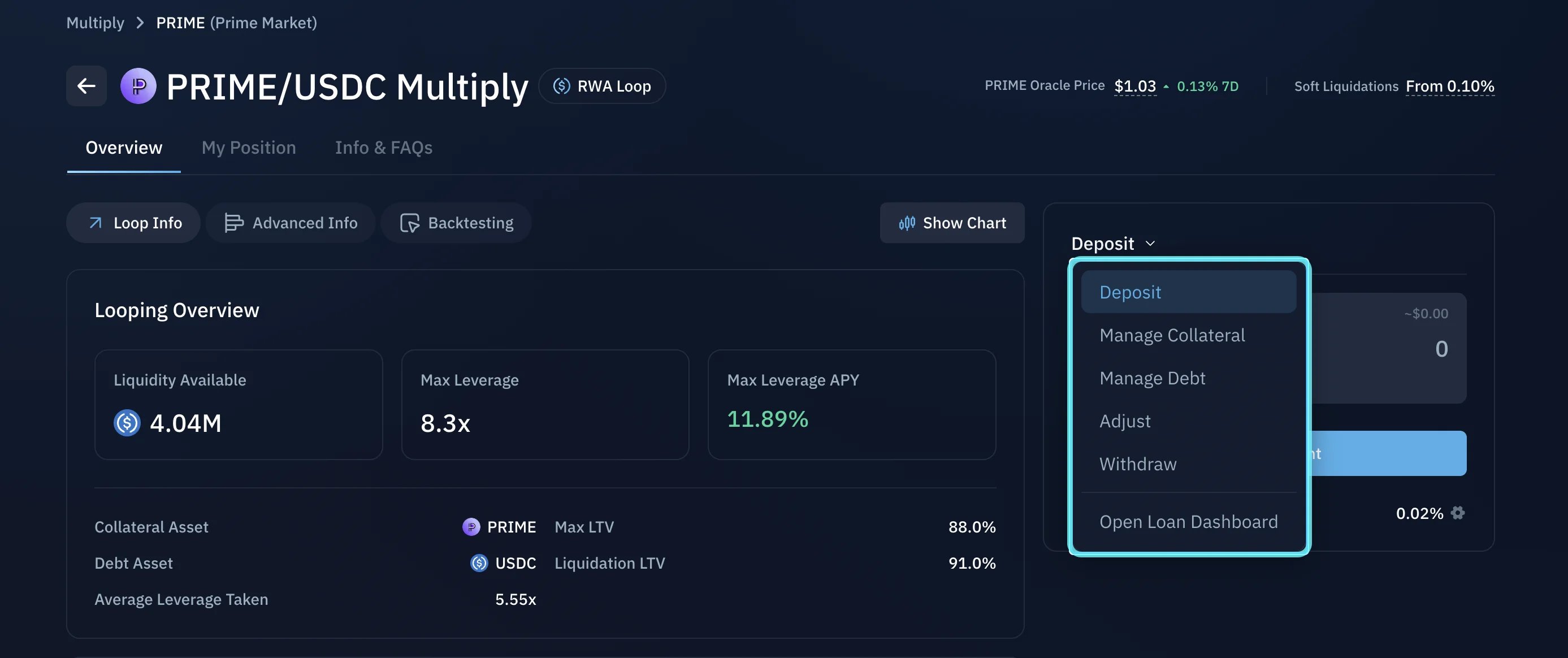
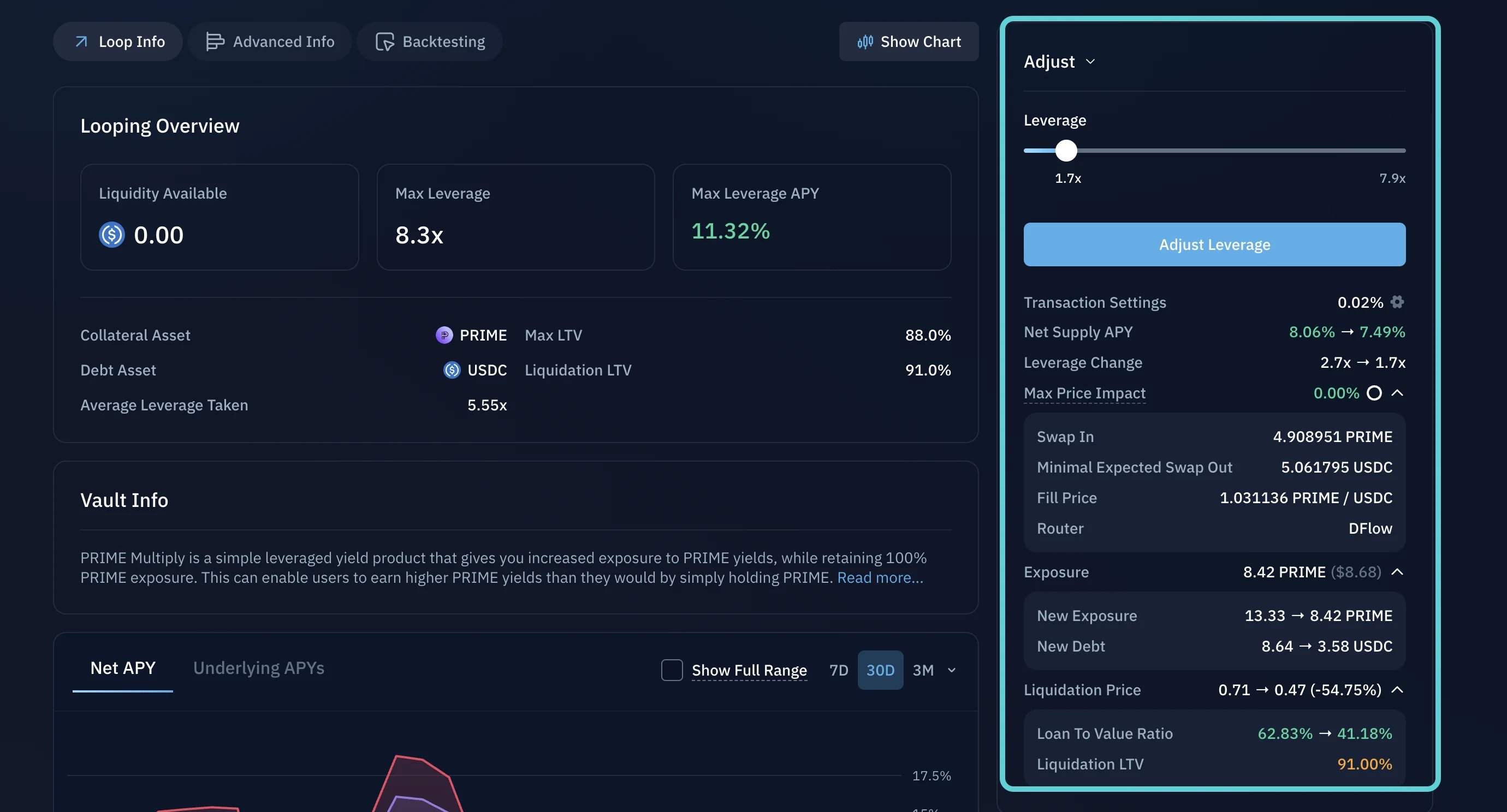
You can modify your position at any time. Available actions include:- Withdraw: reduce your position size and return funds to your wallet
- Adjust leverage: increase or decrease your leverage multiplier
- Manage collateral and debt: manually add or remove collateral, or repay debt directly
Close your position
When you are ready to close, Kamino reverses the opening process: it repays the debt, withdraws the collateral, swaps what is needed, and returns the remaining value to your wallet, all in a single transaction. To close, select Withdraw and withdraw the full amount.Tips for Avoiding Liquidation
Understand liquidation risk and how to stay clear of it.
How to Open a Multiply Position
Choose an asset, set your leverage, and open a position.