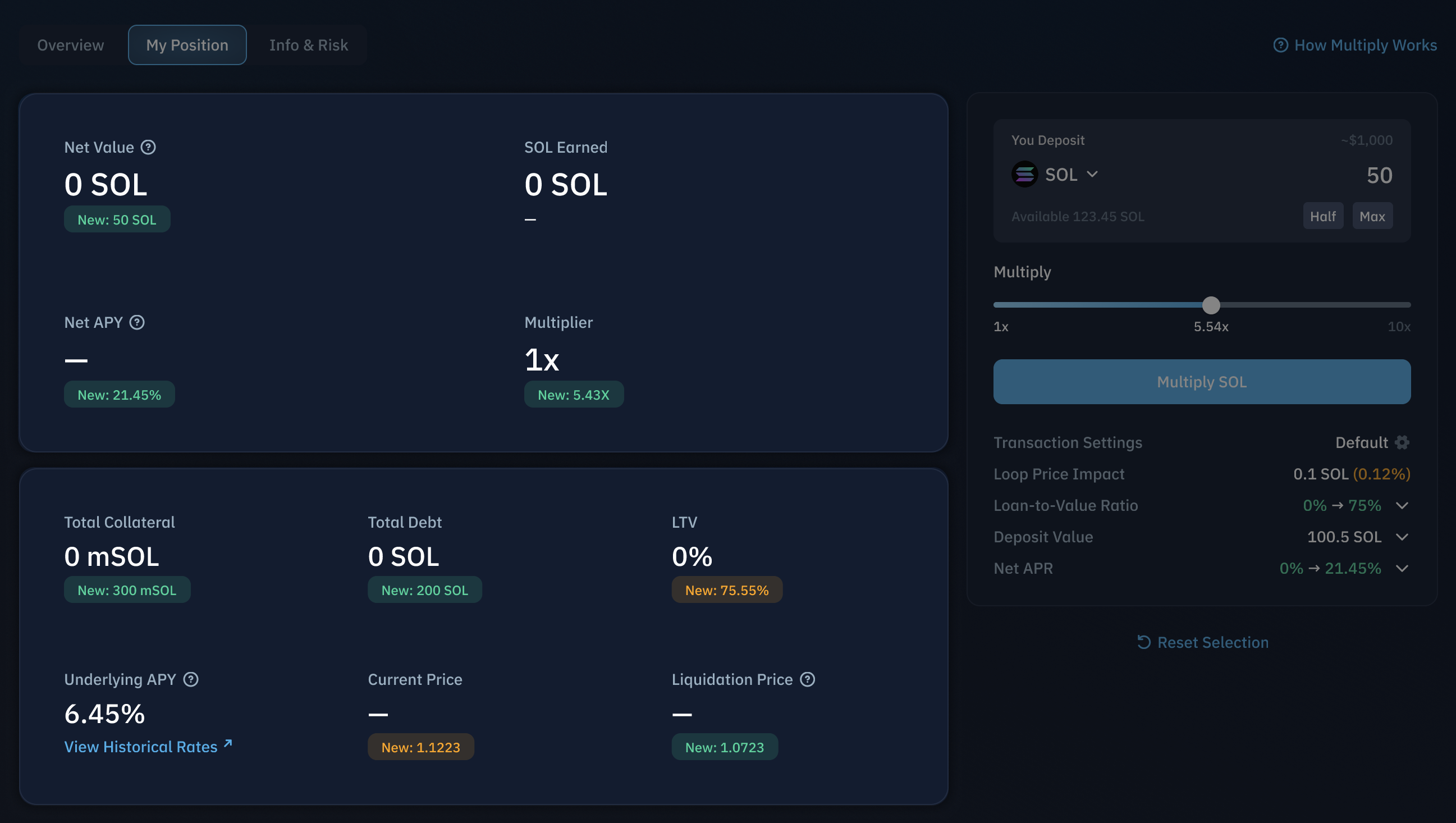
Step 1: Select a Vault in Multiply
Access the Multiply product interface and choose your desired vault (e.g., mSOL Multiply Vault) from the available options.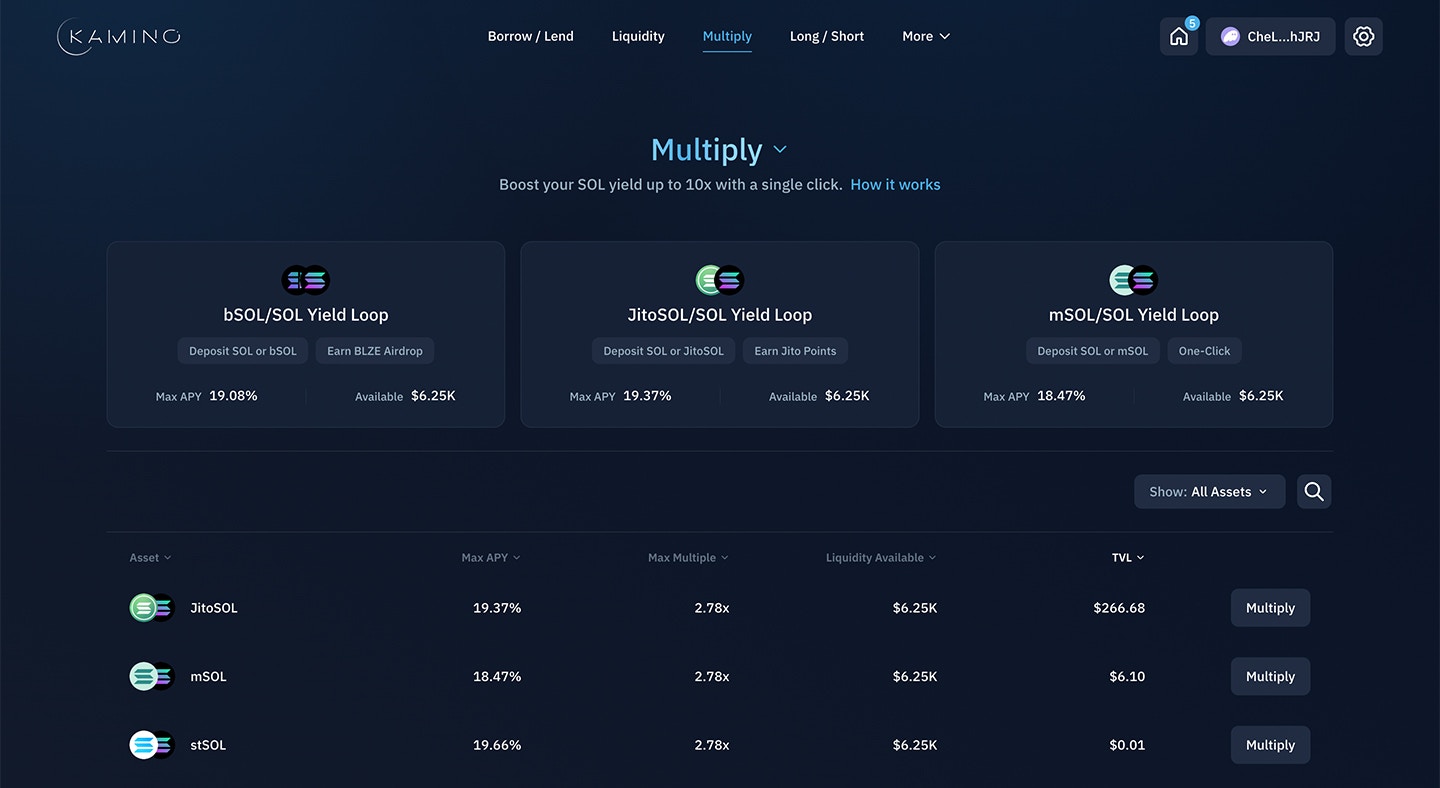
Step 2: Configure Your Position
Select your deposit token, amount, and leverage multiplier. You may deposit either:- The underlying asset (e.g., SOL)
- The yield-bearing asset (e.g., JLP or JitoSOL)
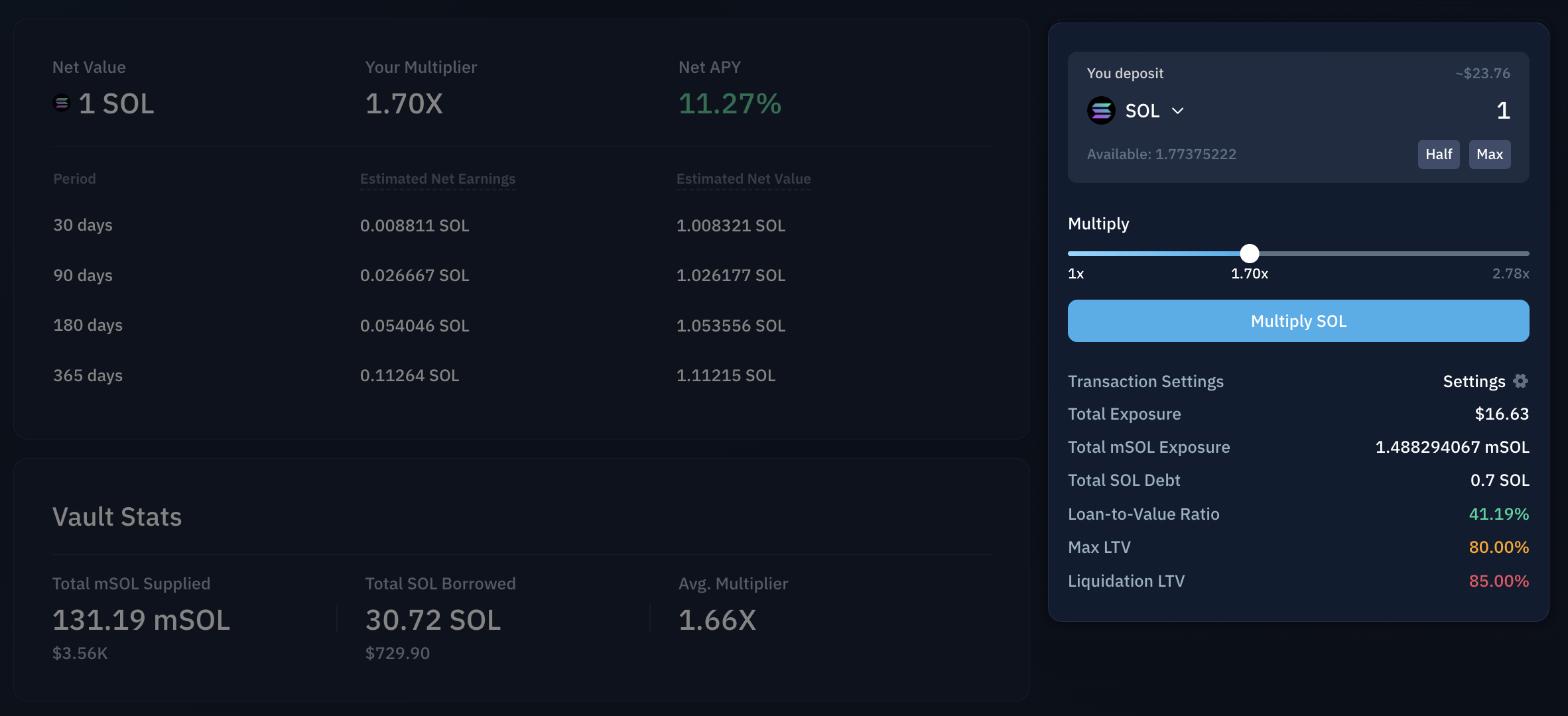
Net APY Indicator
Net APY is the key metric reflecting position yield. It accounts for asset yield earned, supply interest earned, and borrow fees paid.Profitability threshold:
- Net APY > underlying asset APY = position earns yield
- Net APY < underlying asset APY = you pay interest
Step 3: Review Position Simulation
Overview Tab
Displays a position simulation with estimated yields based on 180-day historical data. For example, if average APY was 10%, your “Estimated Net Earnings” projects 10% returns over that period.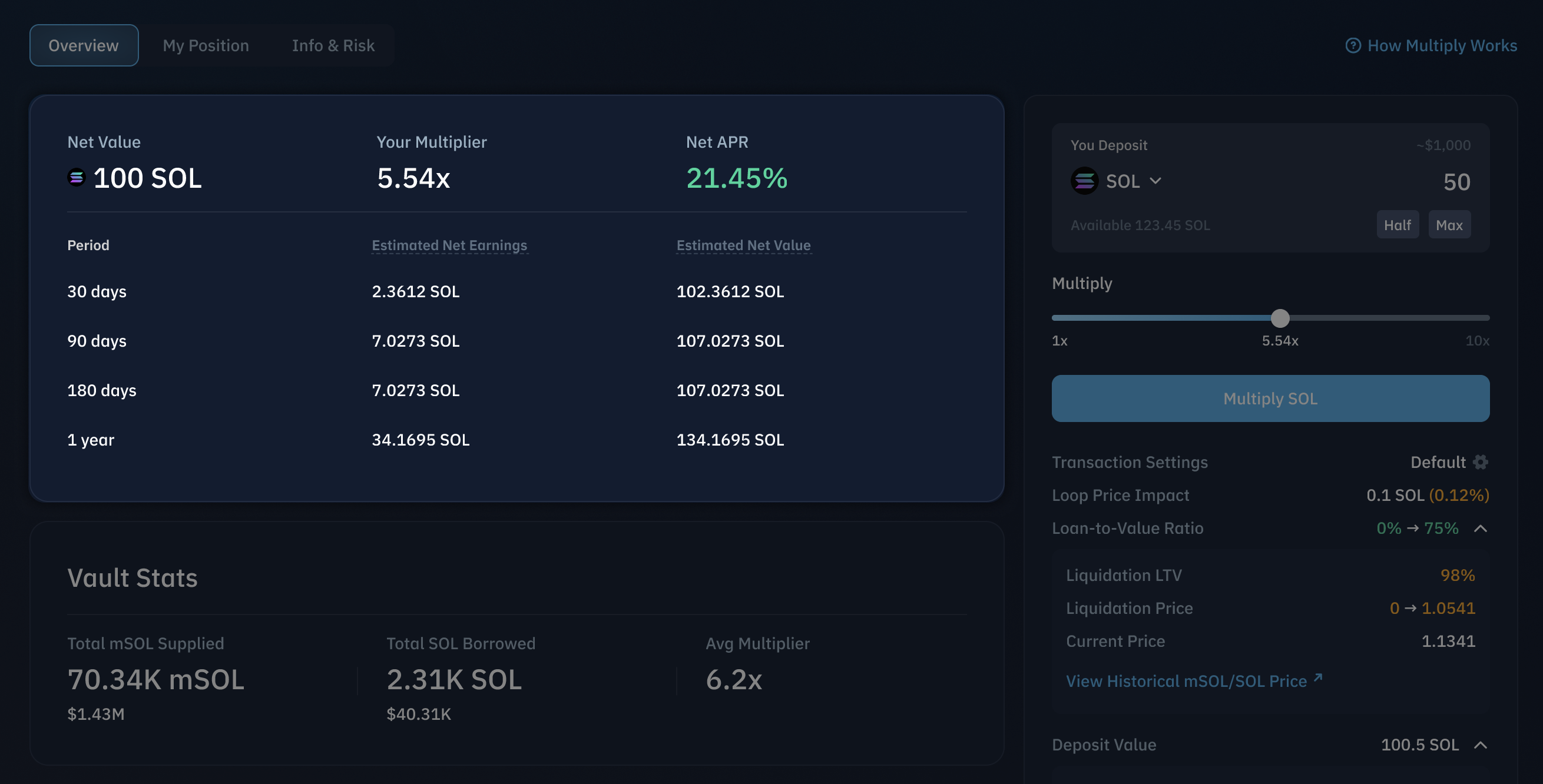
My Position Tab
Shows detailed position value simulations before deposit confirmation, allowing you to verify parameters before committing.