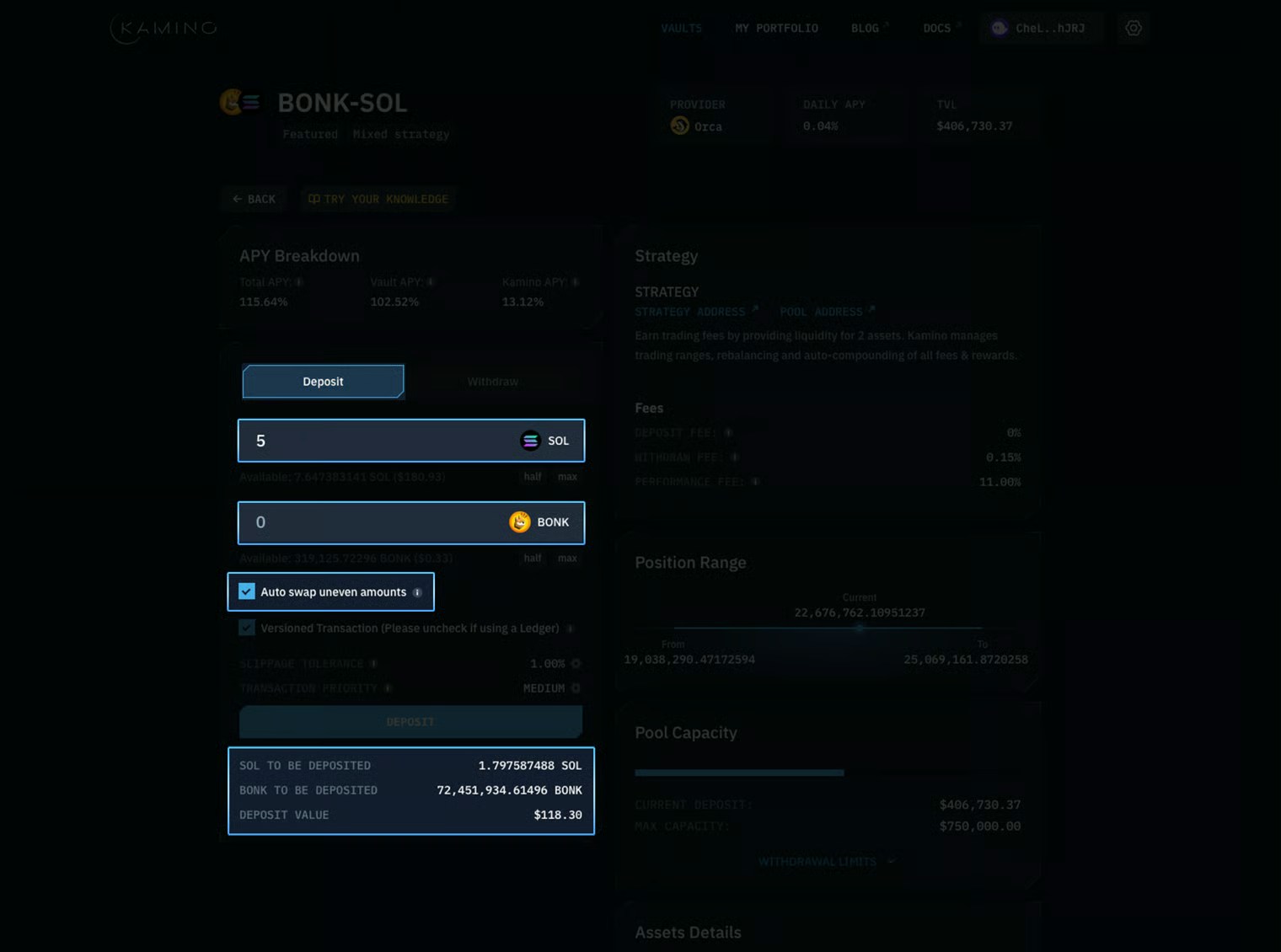
Auto-swap Deposits
Auto-swap enables users to make single-sided deposits into any Kamino vault. Upon depositing, a user’s assets will automatically be swapped into the correct balance of tokens via Jupiter, after which it is deployed into the vault.- Users simply tick the auto-swap box
- Enter their desired assets & amounts to deposit
- Interface displays how much of each token will be in the position, as well as total deposit value
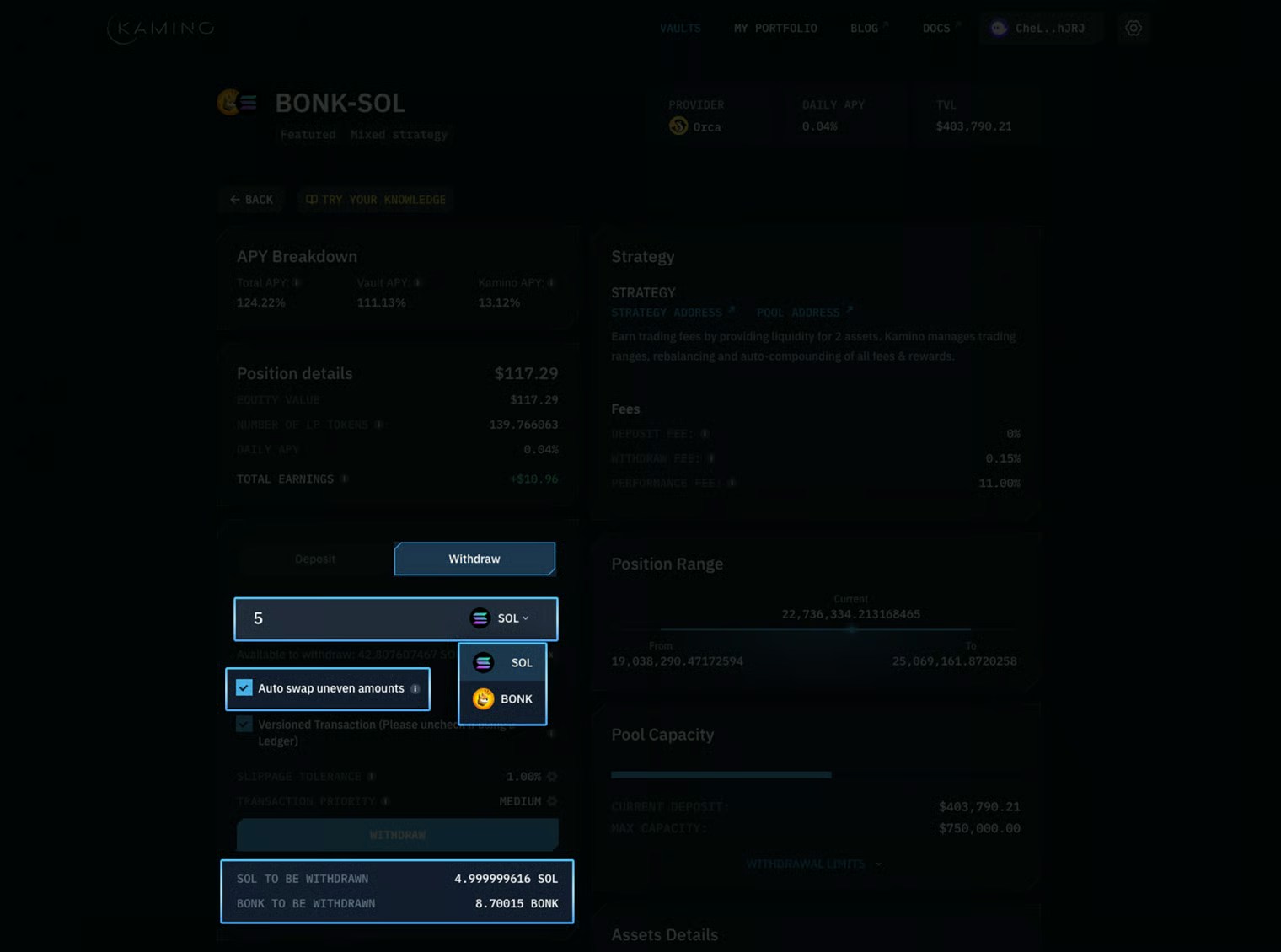
Auto-swap Withdrawals
Withdrawals on Kamino have also been optimized for a one-click experience. You can choose to withdraw 100% of your position in either of the desired tokens, or withdraw at the exact balance currently deposited. To withdraw 100% in a single token:- Tick the auto-swap box
- Select the token & amount you want to receive
- Click withdraw
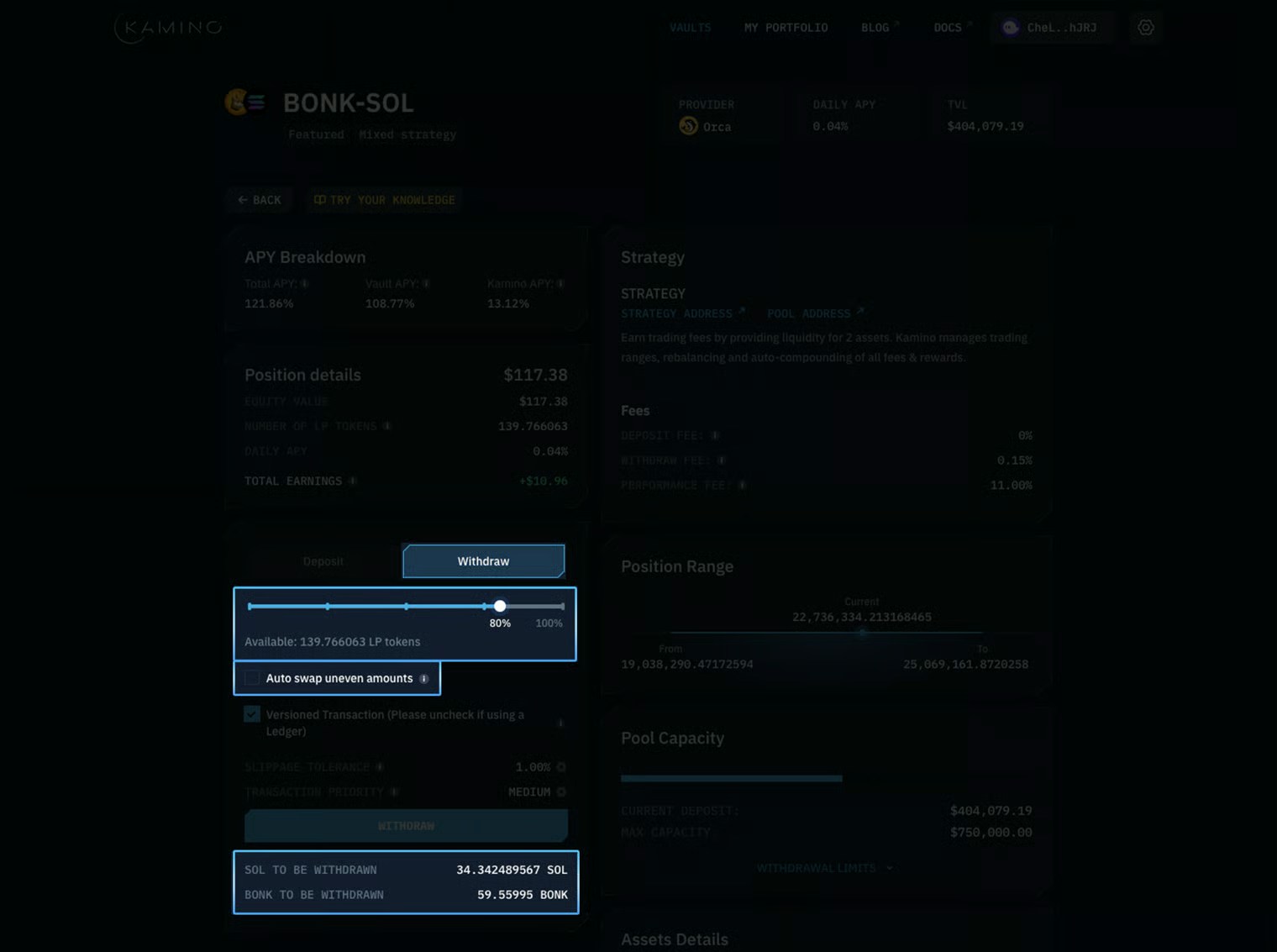
- Deselect Auto-swap
- Move the slider to desired withdrawal amount
- Click withdraw