

Earn Vaults
Integrate yield into your app or deploy your own vault strategy on Kamino.
How It Works
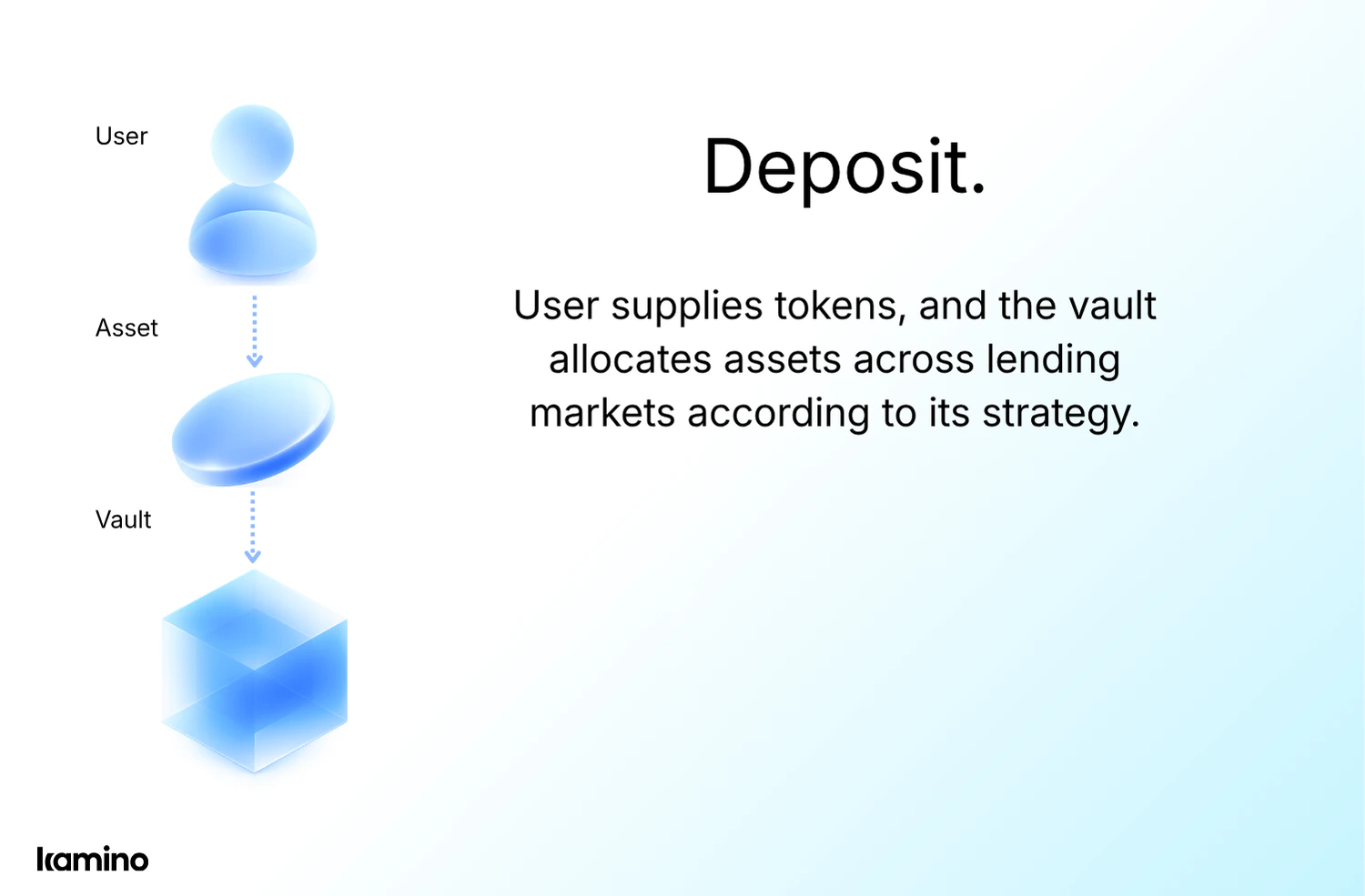
Seamless integration flow designed for composability.
- Deposit
- Earn
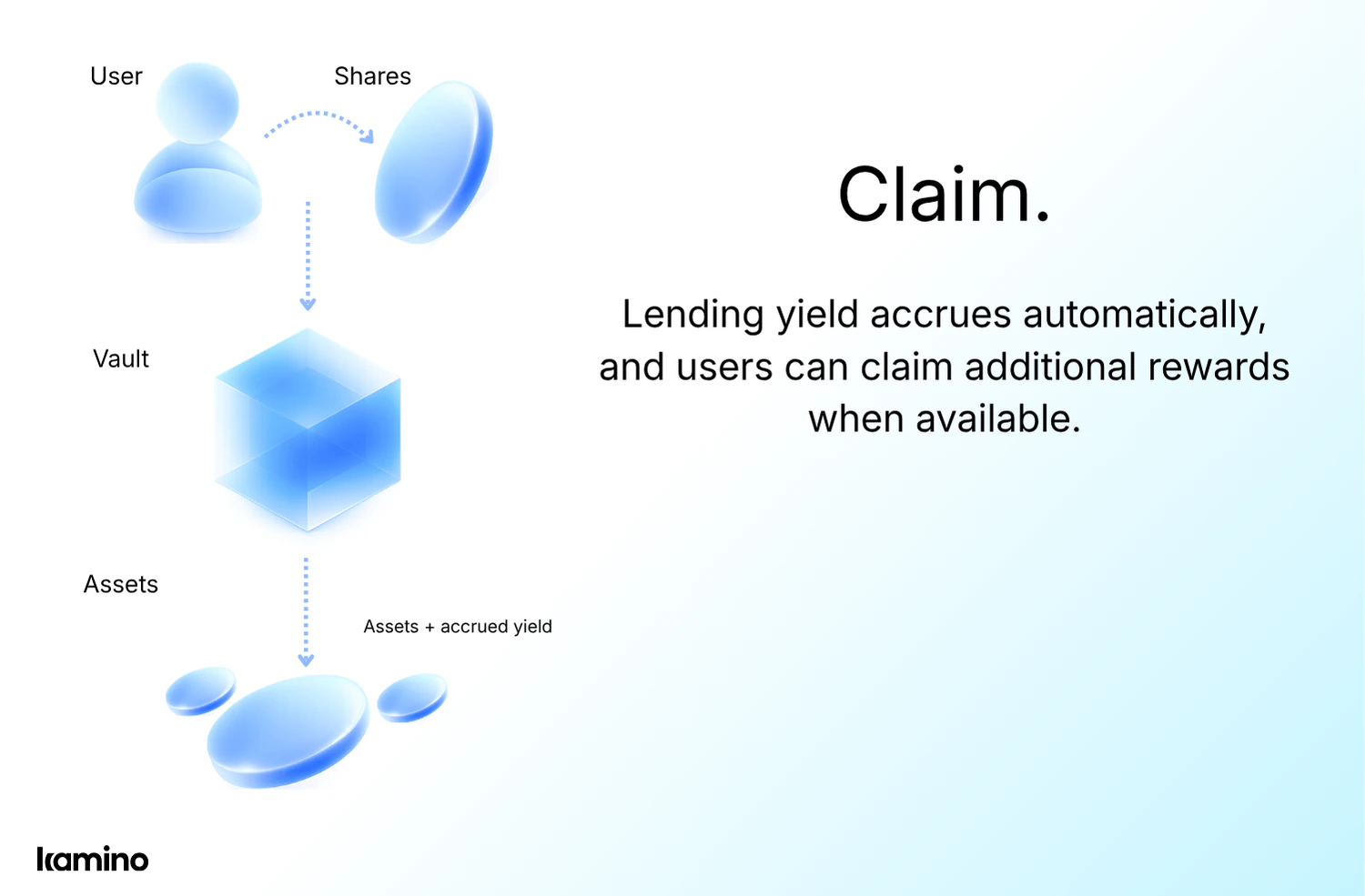
- Claim

Earn Integration Model
Earn integrations involve four core areas.
- Vaults
- Transactions
- Positions
- Risk
Vault Metadata & Markets
Discover vaults and retrieve their configuration, allocation strategy, performance metrics, and active incentive programs.
- Discover all available vaults via
/kvaults/vaults - APY, TVL, allocation breakdown
- Reserve allocation weights and caps
- Vault token metadata (mint, decimals, symbols)
- Active farm incentives and bonus yield
Implementing Earn Flows
Practical SDK and API examples for integrating core Earn flows.
Deposits and Withdrawals
Deposits and withdrawals to Earn vaults are available via the TypeScript SDK or the REST API. Both interfaces provide access to vault, user, and lending market data required for integration.
- Both: Access vault metadata including allocations, fee configuration (management, performance, withdrawal), and strategy parameters.
- SDK: Track reward APY across base lending yield, delegated farm incentives, and reserve farm incentives.
- API: Access real-time reserve token prices via the Kamino oracle.
- API: Retrieve current and historical reserve metrics: supplyApy, borrowApy, totalSupply, totalBorrow, utilizationRate.
- Both: Track user transactions, current positions, and position history across multiple vaults
Automatic Farm Staking & Reward Claims
A vault may include a reward farm, allowing depositors to earn extra reward tokens in addition to the base lending yield. Rewards may be distributed by the vault or by the underlying lending markets it allocates to.
Additional reward tokens distributed at the vault level, layered on top of lending yield.
Reward tokens originating from underlying lending market reserves allocated by the vault.
Deploy Your Own Vault, Earn Revenue
Create and manage your own vault using the Kamino SDK or Kamino Manager CLI tool. Set custom fees that flow directly to your treasury.
% of yield earned by depositors. Set by vault curator. Taken from profits only.
Annual fee on total AUM. Set by vault curator. Accrues continuously on-chain.
- Fees are recorded on-chain, providing transparent and auditable accounting
- Reserve whitelist controls restrict capital deployment to approved lending market reserves
- Allocation caps, distribution, farm incentives, and fee rates can be updated at any time after vault creation.
Ready to integrate yield into your app?
Start with the developers guide or jump straight to the discord.