> ## Documentation Index
> Fetch the complete documentation index at: https://kamino.com/docs/llms.txt
> Use this file to discover all available pages before exploring further.
# How to Manage a Multiply Position
> Monitor your leveraged position, adjust leverage, collateral, or debt, and close it out.
Once a Multiply position is open, you can track its performance and adjust or close it at any time, all in one-click transactions.
## Monitor your position
Track your position in the **My Position** panel. Key metrics include:
* **Net value**: the current value of your position after accounting for debt
* **Net APY**: your effective yield after borrow costs
* **Profit/Loss**: how your position has performed since opening
* **LTV**: your current loan-to-value ratio relative to the liquidation threshold
## Adjust your position
You can modify your position at any time. Available actions include:
* **Withdraw**: reduce your position size and return funds to your wallet
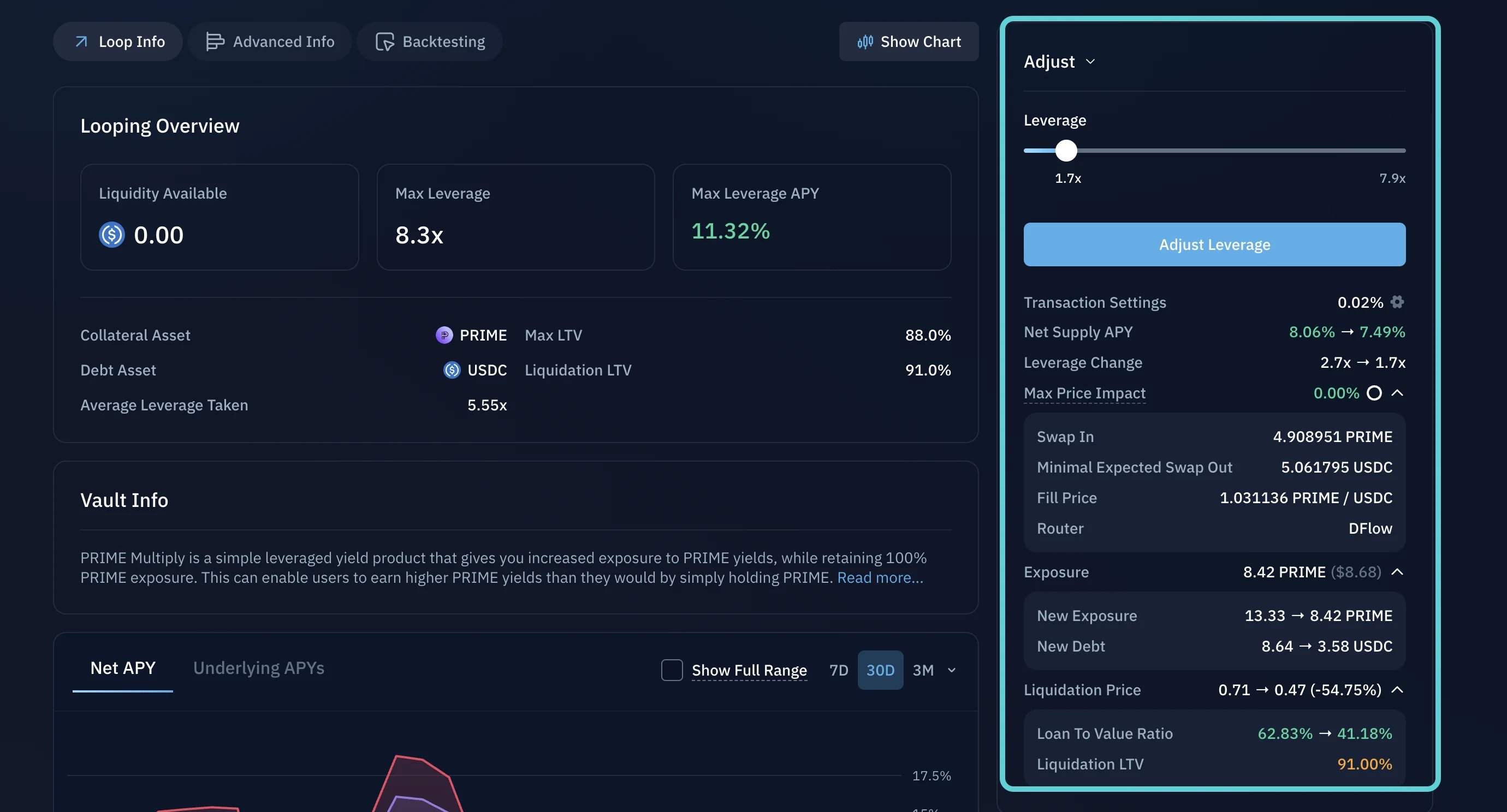
* **Adjust leverage**: increase or decrease your leverage multiplier
* **Manage collateral and debt**: manually add or remove collateral, or repay debt directly
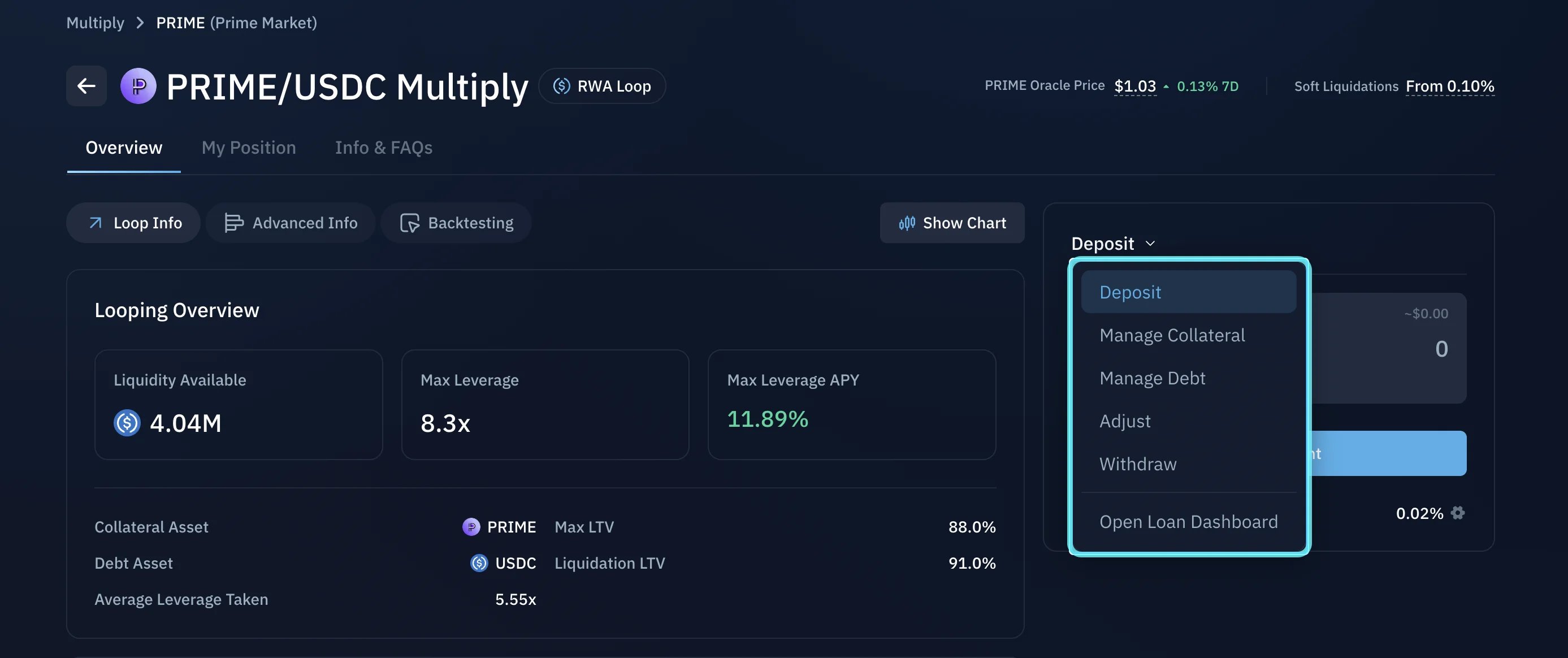 To make a change, select your action, enter the amount, and confirm the transaction in your wallet.
 ## Close your position
When you are ready to close, Kamino reverses the opening process: it repays the debt, withdraws the collateral, swaps what is needed, and returns the remaining value to your wallet, all in a single transaction. To close, select **Withdraw** and withdraw the full amount.
Understand liquidation risk and how to stay clear of it.
Choose an asset, set your leverage, and open a position.
## Close your position
When you are ready to close, Kamino reverses the opening process: it repays the debt, withdraws the collateral, swaps what is needed, and returns the remaining value to your wallet, all in a single transaction. To close, select **Withdraw** and withdraw the full amount.
Understand liquidation risk and how to stay clear of it.
Choose an asset, set your leverage, and open a position.